
Best Wireless Mouse Under ₹1,000 🖱️
A practical guide to choosing a reliable wireless mouse under ₹1,000, focusing on comfort, responsiveness, battery life, connectivity, and everyday value.

Introduction
The best wireless mouse under 1000 can make working, studying, browsing, and everyday computer use more comfortable while keeping your desk free from cables. With many budget options available, it is important to choose one that offers reliable performance and comfortable long-term use.
In this guide, we look at the best wireless mouse under 1000 and explain the features worth considering before buying. From ergonomic design and tracking performance to connectivity and battery life, these factors can help you choose a mouse that suits your everyday needs.
If you also use a laptop regularly, you may find our Best Laptop Stand Under ₹1,500 guide useful.
When choosing the best wireless mouse under 1000, focus on comfort, reliable tracking, connectivity, and battery life. A compact mouse may be convenient for carrying with a laptop, while a slightly larger design can provide better comfort during long working sessions. Also consider the connection method, button feel, tracking performance, battery requirements, and overall build quality. Features such as silent clicking can be especially useful in offices, libraries, or shared spaces. The goal is not to find the mouse with the most features, but to choose one that provides the right balance of comfort, reliability, and everyday convenience within your budget.
Another important consideration is the type of work you normally do. For basic browsing, document work, online classes, and everyday tasks, a simple wireless mouse can be sufficient. If you spend several hours each day working on a laptop, comfort and shape become more important because a mouse that feels uncomfortable can become tiring over time. Portability can also matter for people who frequently carry their laptop between home, office, or college.
Before choosing a model, check whether it uses a USB receiver or another connection method that suits your laptop or computer. It is also useful to consider battery requirements and whether the mouse has features such as silent buttons, adjustable sensitivity, or additional controls. These features are not equally important for everyone, so prioritise the ones that match your actual usage.
In this guide, the focus is on practical choices that offer useful features within the ₹1,000 budget. Instead of choosing based only on appearance or the number of features, compare comfort, reliability, connectivity, battery life, and everyday usability to find the option that best fits your needs.
- Laptops & Computers → your DealBask Laptops & Computers category page.
- Computer Chairs → another relevant DealBask Buying Guide or category.
For additional information about wireless mouse technology, you can also refer to the official Logitech website.
You can also explore our Buying Guides for more product comparisons and recommendations. Buying Guides
🏆 Recommended Products
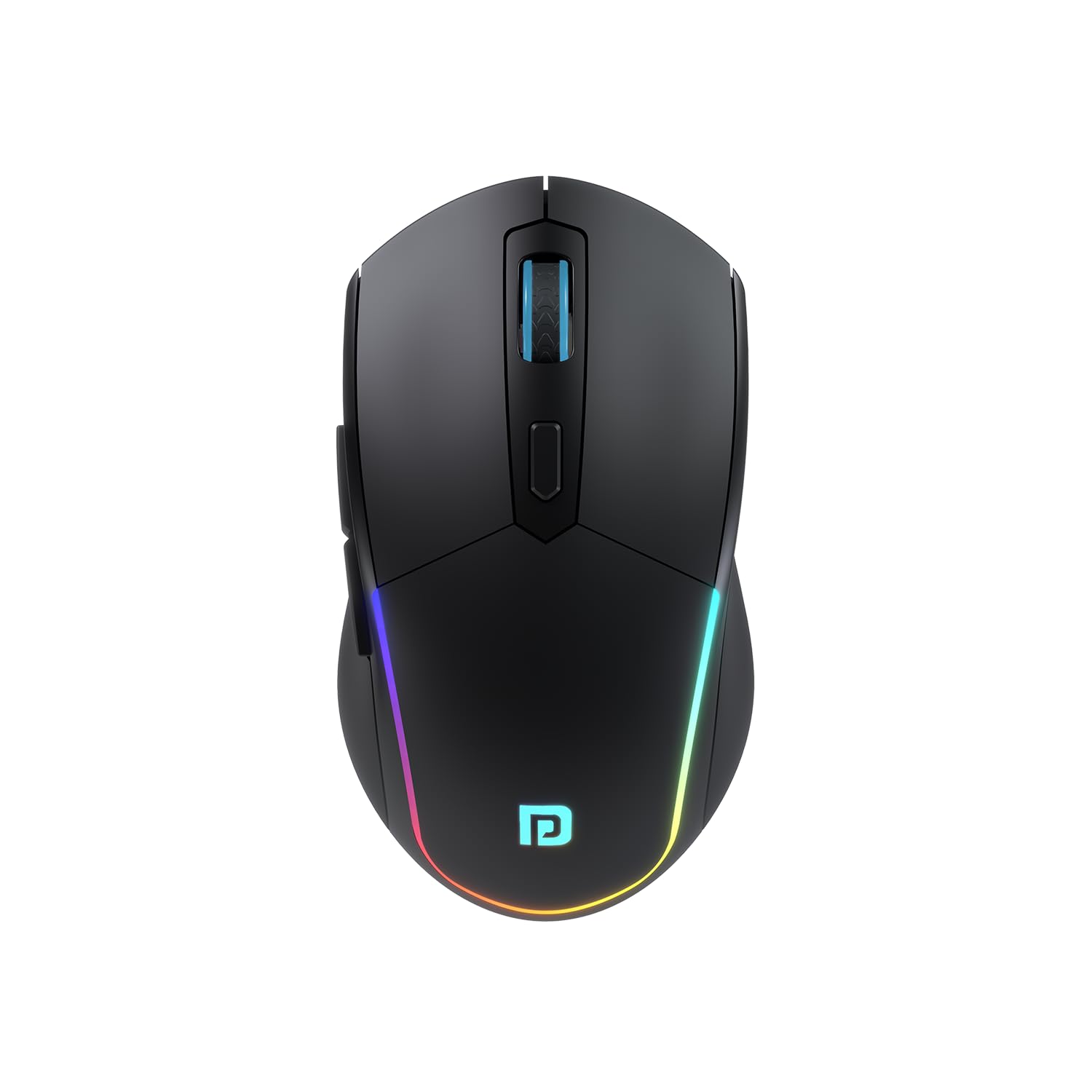
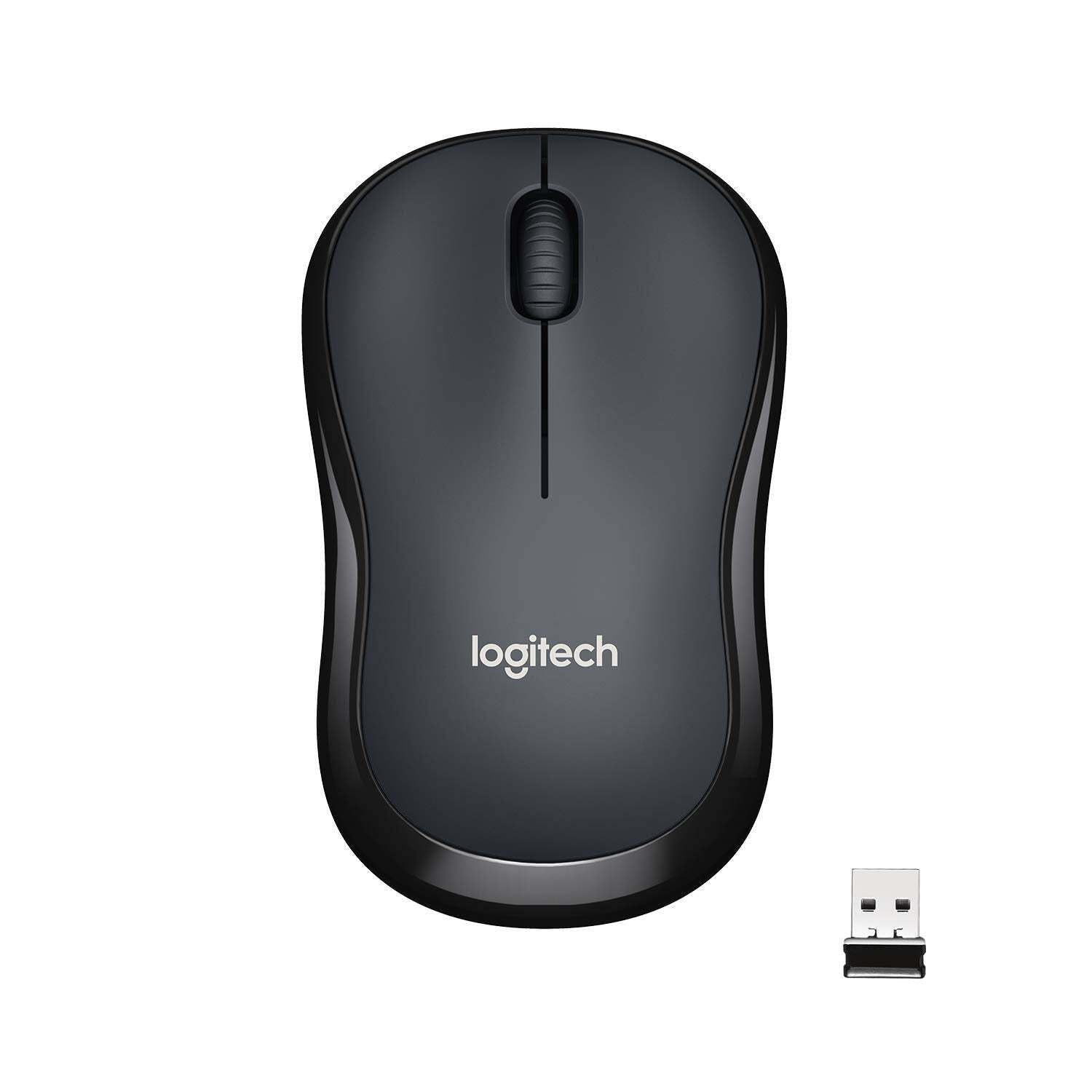
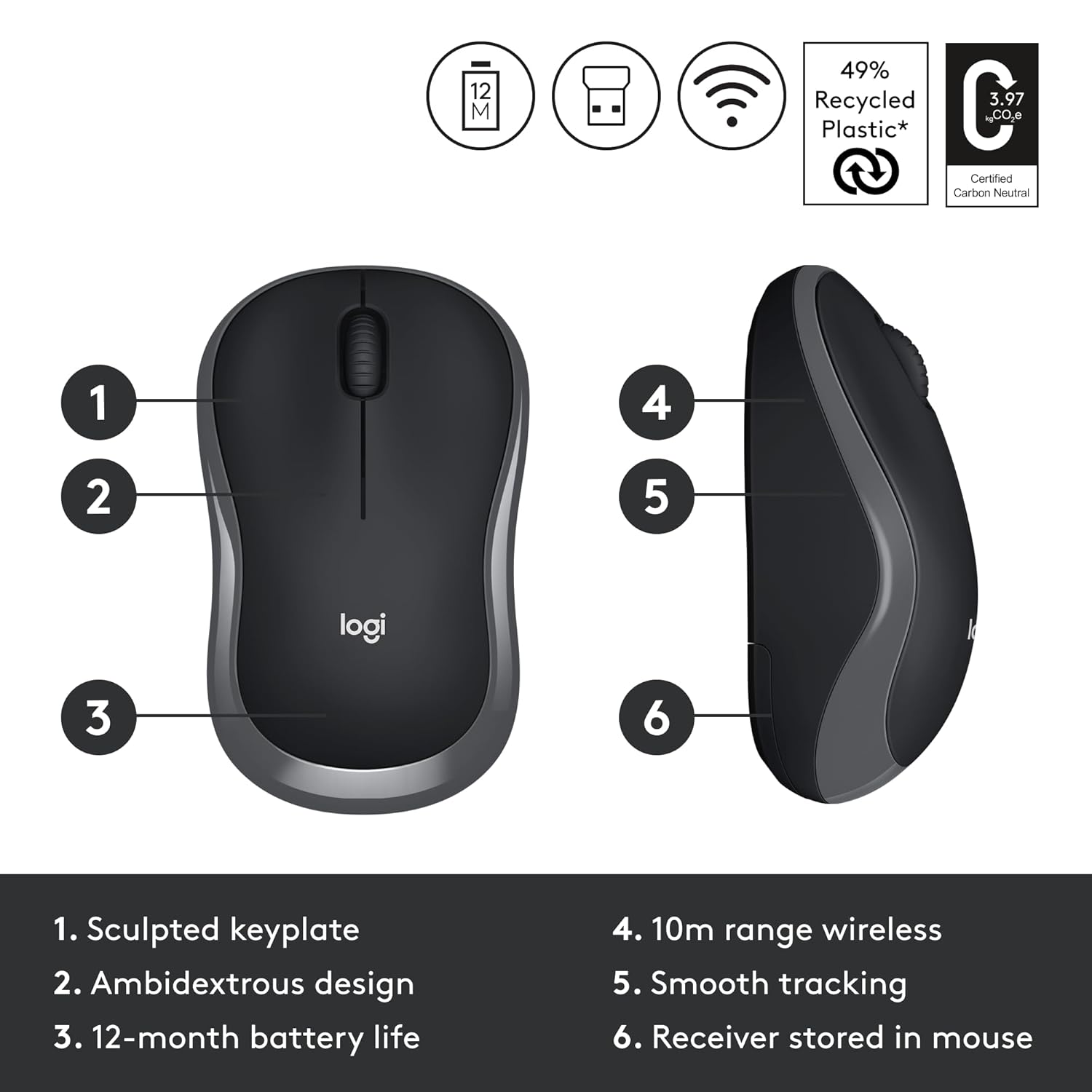
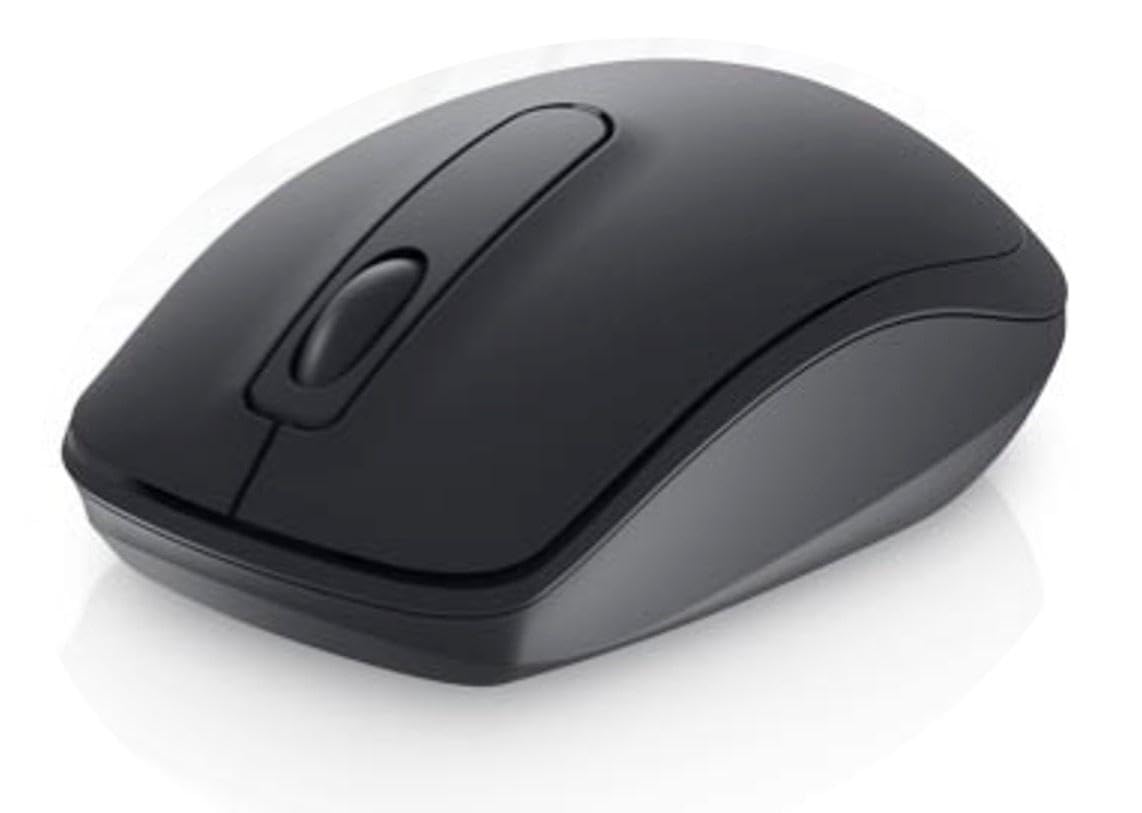
🔎 What to Look For
What to Look For in the Best Wireless Mouse Under 1000
Before buying a wireless mouse under ₹1,000, consider these important factors:
• Comfort – Choose a shape that feels comfortable in your hand, especially if you use the mouse for several hours.
• Tracking performance – Look for reliable and responsive tracking for smooth everyday navigation.
• Connectivity – Check whether the mouse uses a USB receiver, Bluetooth, or supports both.
• Battery life – Longer battery life means less frequent battery replacement or charging.
• Buttons – Consider the number and placement of buttons based on how you plan to use the mouse.
• Click noise – If you work in a shared or quiet environment, a quieter click can be useful.
• Size and weight – A mouse that fits your hand and preferred working style will generally be more comfortable.
• Compatibility – Make sure the mouse works with your computer or operating system.
• Build quality – Check the quality of the buttons, scroll wheel, and overall construction.
• Customer reviews – Recent reviews can provide useful information about connectivity, battery life, comfort, and durability.
• Value for money – Compare the features that matter to you rather than choosing only based on the lowest price.
For more products in this category, explore our Laptops & Computers category.
⭐ DealBask Verdict
A good wireless mouse under ₹1,000 can provide everything most users need for everyday computing. Focus on comfort, reliable tracking, stable connectivity, battery life, and build quality. Choose a mouse that matches your working style instead of paying extra for features you may not actually use.